

Multi-function scanners
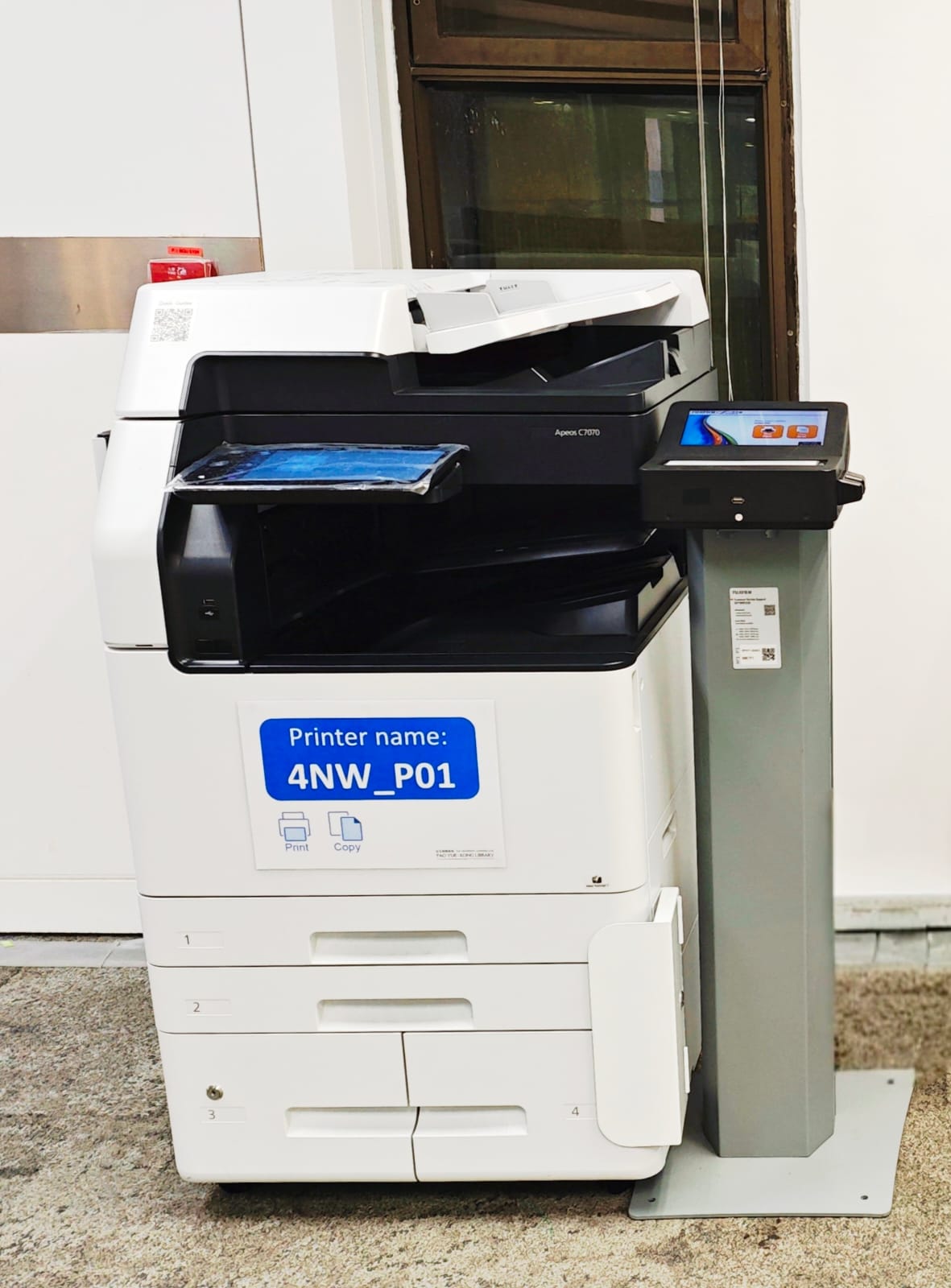
Hi-speed colour scanners for document size up to A3 are available in the following locations. Scanned files can be saved to *USB thumb drive or a dedicated PC in the Library
- 6/F South Wing
- 5/F South Wing, North Wing
- 4/F South Wing, North Wing (i-Space)
- 3/F South Wing, North Wing
- P/F Reading Area, AV Collection
- 1/F 24-Hour Study Centre
- G/F South Wing, North Wing
* Only USB drive with FAT32 storage format will be supported.
Locations and Features
| Floor | Location | Scanner Name | Scanning to USB Thumb Drive | Connected to a Library PC |
|---|---|---|---|---|
| 6/F | South Wing | 6SW_P01 | Y | |
| 6SW_P02 | Y | |||
| 5/F |
South Wing |
5SW_P02 | Y | |
| North Wing | ||||
| 5NW_P02 | Y | |||
| 4/F |
South Wing |
4SW_P02 | Y | |
|
i-Space North Wing |
4NW_P02 | Y | ||
| 3/F | South Wing | 3SW_P02 | Y | |
| North Wing | 3NW_P02 | Y | ||
| 3NW_S01 | Y | Connected to the notebook computer MP-03 | ||
| 2/F |
Reading Area |
2SW_P02 | Y | |
| AV Collection | 2SW_P04 | Y | ||
| 1/F |
24-Hour Study Centre North Wing |
1NW_P02 | Y | |
| 1NW_P04 | Y | |||
| G/F | South Wing | GSW_P02 | Y | |
| North Wing | GNW_P02 | Y |
User Guides
Flatbed Colour Scanners
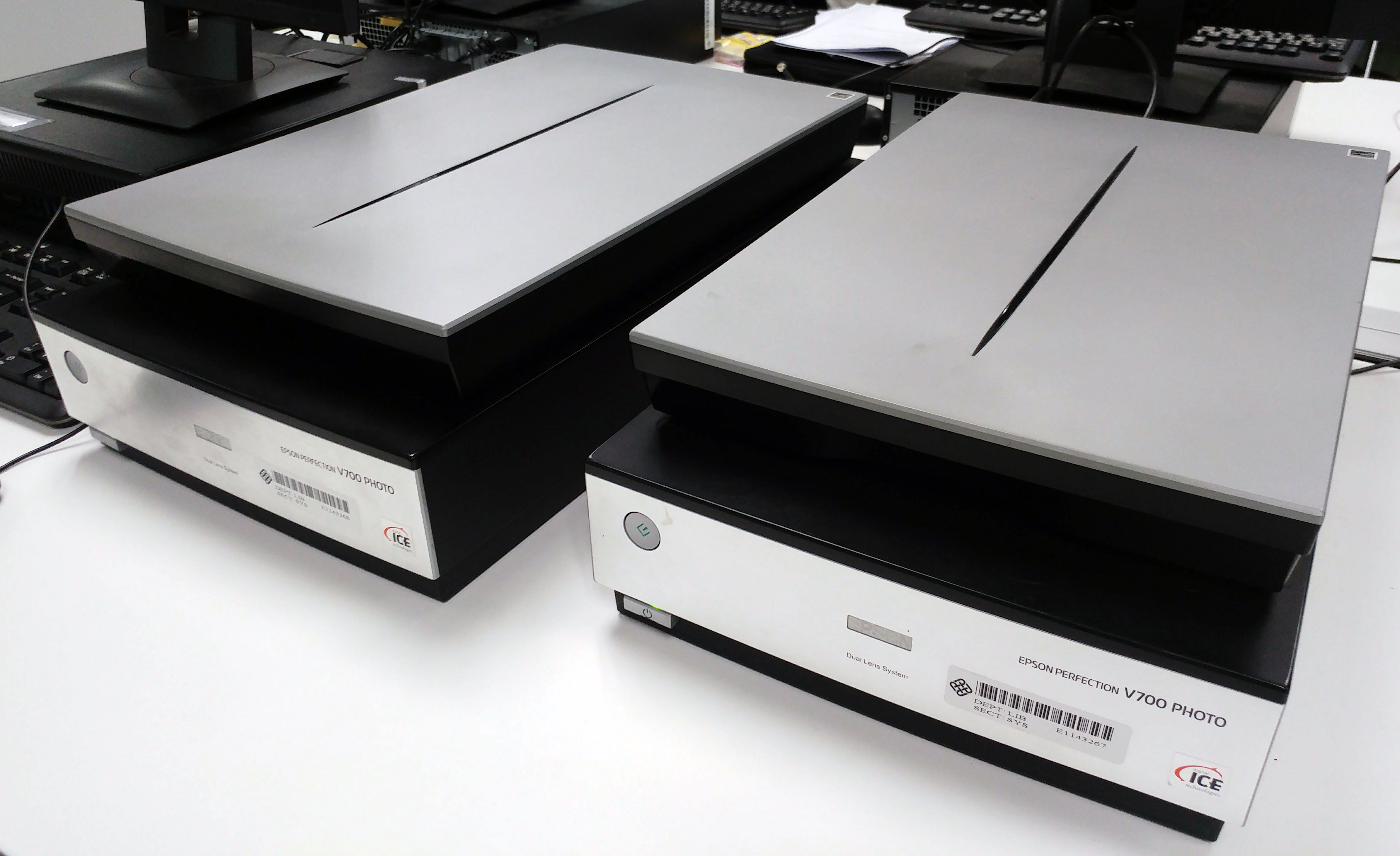
Two flatbed colour scanners for document size up to A4 are connected to two PCs <iBooking PC iWS18> and <Walk-in PC L401-02>. Users can reserve iBooking PC in advance on iBooking.
Book Scanners (PolyU/CPCE students and staff only)
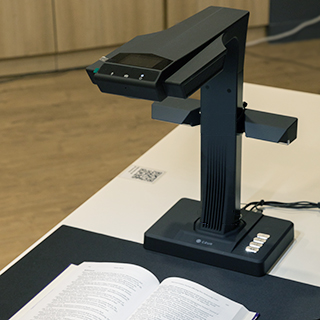
A book scanner with advanced image processing is available at the i-Space, 4/F North Wing. PolyU/CPCE students and staff can reserve the scanner in advance at the Library’s iBooking system. For details, please see Book Scanning.
Large-format Scanner (PolyU/CPCE students and staff only)
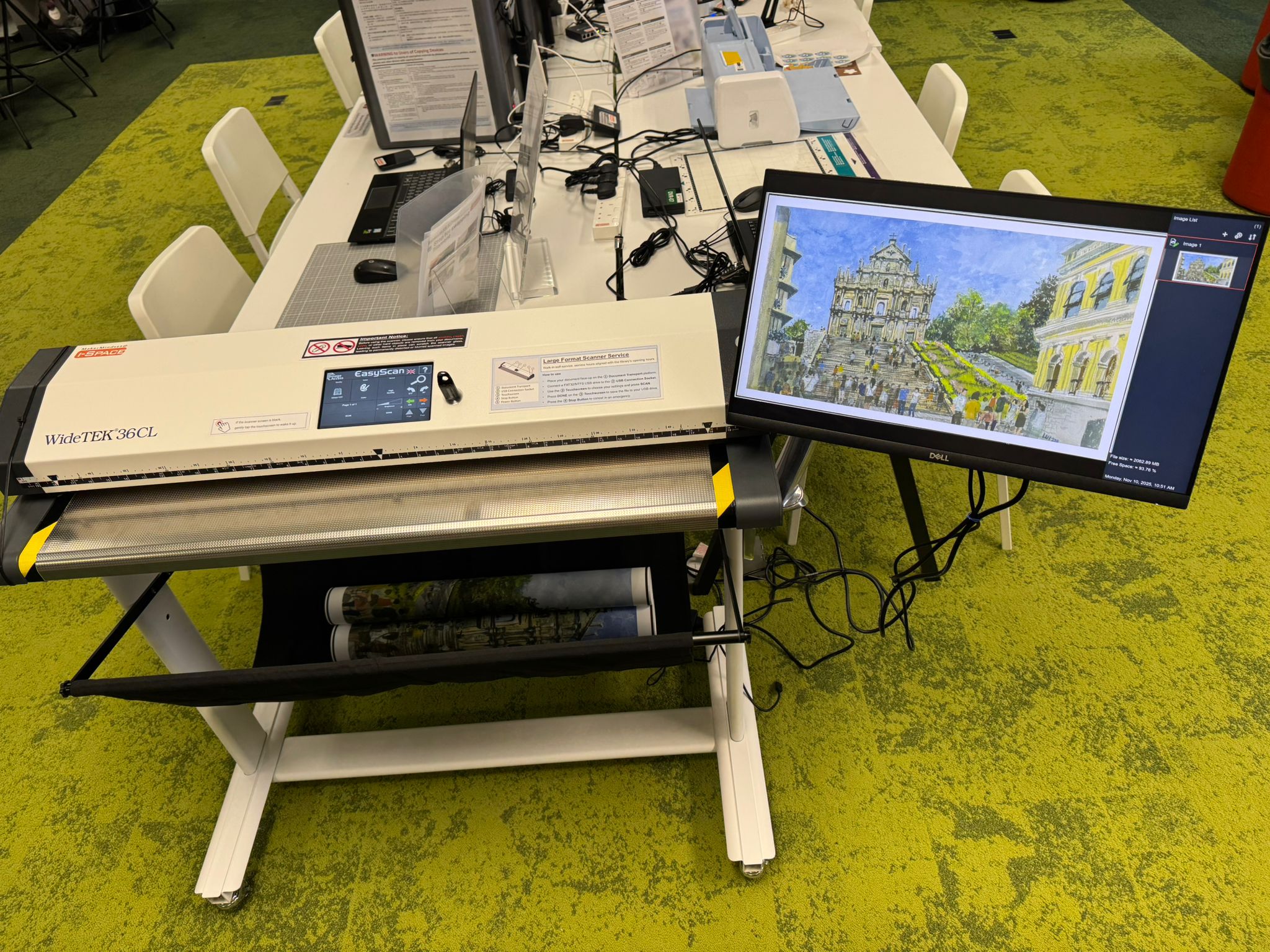
Library offers a self-service large format scanning facility, enabling users to scan documents with size up to A0. By following the instructions provided below, users can easily scan their documents and save the output file directly to USB drive or the connected PC.
Location
Digital Makerspace Plus, i-Space, 4/F North Wing

 PolyU Library AI Chatbot